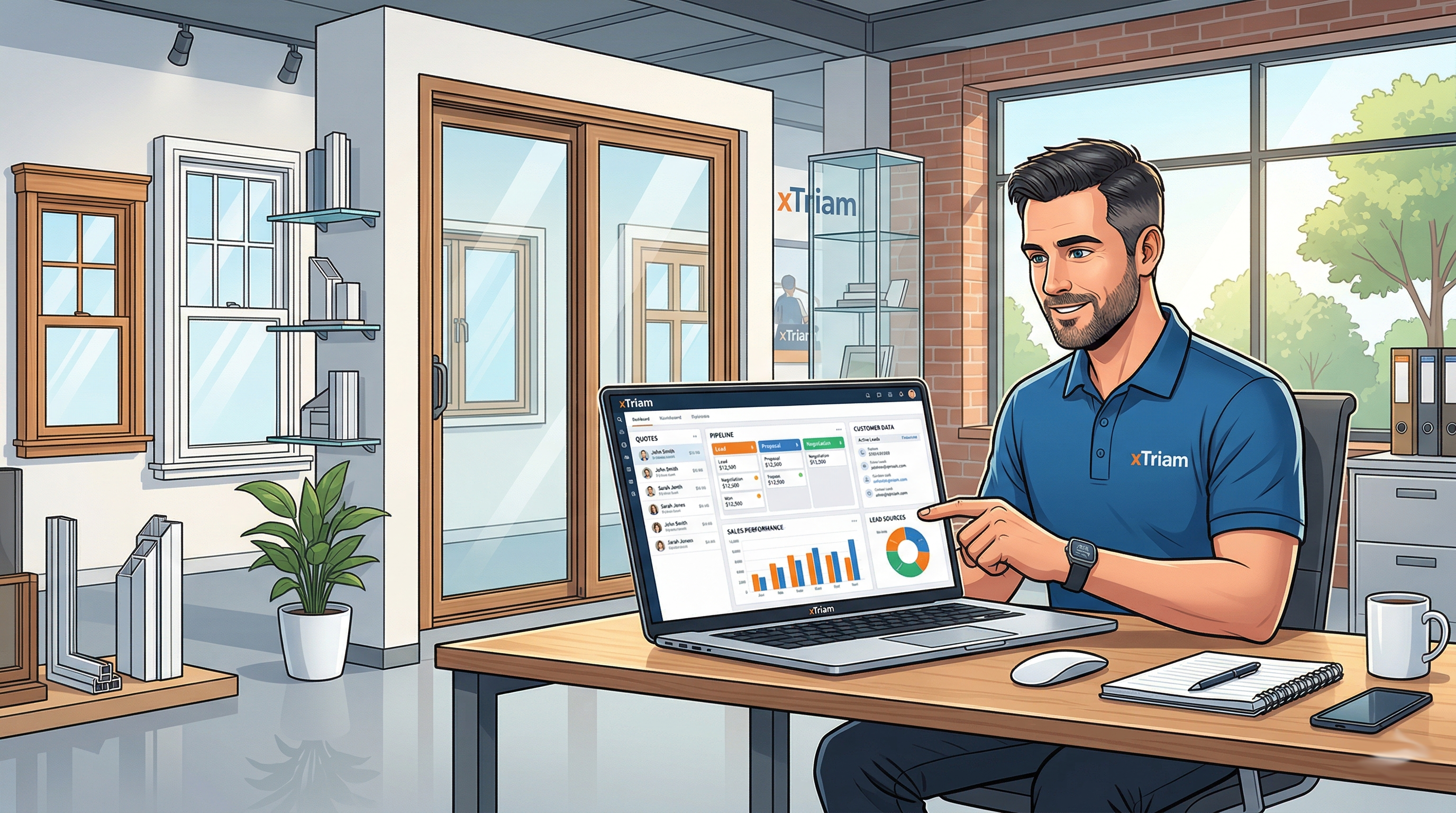
If you run a window and door contracting business, your sales process probably looks something like this: a lead comes in by phone or email. Someone writes it on a sticky note or enters it into a spreadsheet. A salesperson goes to the home, measures, and writes up a quote—maybe in Excel, maybe on paper. The quote gets emailed. The customer calls back with questions. Someone digs through their inbox to find the original numbers. The job gets sold, and now you need to figure out how to hand it off to operations without losing any details.
Every step is a different tool. Every handoff is a chance for something to fall through the cracks. And the bigger your operation gets, the more time you spend stitching everything together instead of selling.
That's why more contractors are looking for dedicated window and door sales software—something built for this industry, not adapted from generic business tools.
What "Sales Software" Actually Means for Window Contractors
When most people hear "sales software," they think of a basic CRM—a place to store contacts and log calls. That's table stakes. For window and door contractors, the sales process involves a lot more than tracking names and phone numbers.
Window contractor software needs to handle the full journey from first contact to signed contract. That includes lead capture and assignment, on-site measuring and estimating, product configuration (sizes, styles, glass types, hardware), proposal generation with accurate pricing, electronic signatures, deposit collection, and a clean handoff to your operations team for ordering and scheduling.
If your software for selling windows and doors doesn't cover that full chain, you're still going to be jumping between tools—and that's where deals slow down, errors creep in, and margins shrink.
Key Features to Look For
After working in this industry since 2003, here's what I'd tell any contractor evaluating window sales software:
Quoting and estimating. This is the foundation. You need a system that lets your sales team build accurate quotes quickly—ideally with product catalogs, pricing rules, and the ability to import quotes from manufacturer estimating tools like ES Windows or WinQuote. If your salespeople are still building quotes in Excel, they're spending 30–45 minutes on something that should take 10.
Lead tracking and pipeline management. You need to see every open opportunity at a glance: where it stands, who owns it, when the last follow-up was, and what the expected close date is. If a lead goes cold because nobody followed up, that's money you left on the table. Good window door sales software makes this impossible to miss.
Proposal generation. Your proposals represent your brand. A professional, itemized proposal with your logo, clear pricing, and terms builds trust. Bonus points if the system generates it directly from the quote without re-entering data.
Payment processing. Collecting deposits and progress payments shouldn't require a separate system. The best platforms let you collect payments electronically—credit card or ACH—right from the invoice or proposal. Faster payments mean healthier cash flow.
Project handoff to operations. This is the one most people overlook. Once a deal closes, someone needs to place the manufacturer order, schedule the installation crew, and track the job through completion. If your sales tool doesn't connect to your operations workflow, you're back to manual handoffs and data re-entry.
Reporting. You should be able to answer basic questions without asking anyone: How many quotes went out this month? What's our close rate? What's the average job size? Which salesperson is performing? If you can't pull these numbers in under a minute, your software isn't doing its job.
The Major Players
Here's an honest look at the main options contractors are evaluating in 2026:
Builder Prime is probably the most visible name in contractor software right now. They've invested heavily in SEO and marketing, and their platform covers CRM, estimating, and project management. It's a solid option for general contractors and remodelers. The limitation for window and door specialists is that it's built for broad trades—it doesn't have deep, industry-specific features like manufacturer quote imports or window product configuration.
JobNimbus started in roofing and has expanded into other trades. It's strong on project management and has good mobile apps. For window contractors specifically, you may find yourself customizing more than you'd like to fit your workflow. It works best if your sales process is relatively simple.
QuoteIQ focuses specifically on quoting for window and door contractors. If your primary pain point is the estimating process, it's worth evaluating. The trade-off is that it's narrowly focused—you'll still need separate tools for CRM, project management, and payments.
Houzz Pro is a good entry point for smaller operations that want a simple CRM with lead management and basic invoicing. The Houzz marketplace can drive leads, which is a unique advantage. But it's designed for the broad home services market, not specifically for window and door sales, and it won't scale well if you're managing a multi-salesperson team with complex product configurations.
bpmPro: The Salesforce-Native Option
bpmPro is the platform we built at xTriam, and it takes a fundamentally different approach. Instead of building another standalone app, we built bpmPro as a managed package on Salesforce—the same platform used by companies of every size worldwide.
What does that mean in practice? It means you get a true enterprise-grade CRM with window-and-door-specific workflows layered on top. Lead management, quoting, proposals, electronic signatures, payment processing via Stripe, manufacturer order management, installation scheduling, and warranty tracking—all in one system.
Some specific things that set bpmPro apart for window and door contractors:
ES Windows quote import. If your manufacturer uses ES Windows for estimating, bpmPro imports those quotes directly. No re-typing. No copy-paste errors. The quote flows straight into your proposal and then into your order.
Full lifecycle coverage. Most window sales software stops at the signed contract. bpmPro follows the job through ordering, delivery, installation, punch list, and final payment. Your sales team and operations team work in the same system, so nothing gets lost in the handoff.
Real numbers. bpmPro currently manages over $150 million in revenue across 20+ subscriber organizations. These are real window and door contractors running their entire businesses on the platform—not a pilot program.
Salesforce ecosystem. Because bpmPro runs on Salesforce, you get access to thousands of integrations, advanced reporting with dashboards you can build yourself, and a platform that scales with you. If you ever need custom automation or want to connect to QuickBooks, your email marketing tool, or any other system, the infrastructure is already there.
You can see the full feature list here.
How to Evaluate Software for Your Business
Regardless of which platform you're considering, here's a practical framework for making the decision:
1. Map your current process first. Before you look at any software, write down every step of your sales process from lead to signed contract. Include who does each step and what tool they use. This gives you a clear picture of what you need to replace.
2. Identify your biggest bottleneck. Where do deals stall? Where do mistakes happen? Where are you losing the most time? The right software should directly address your top two or three pain points.
3. Ask about the handoff to operations. This is the question most vendors don't want you to ask, because most sales tools stop at the sale. If your software doesn't handle what happens after the contract is signed, you're only solving half the problem.
4. Run a real scenario. During your demo, don't just watch a scripted presentation. Bring an actual quote from a recent job and ask the vendor to walk through it in their system—from lead entry to quote to proposal to payment collection. That will tell you more than any feature list.
5. Talk to actual users. Ask for references from window and door contractors specifically, not general contractors or roofers. The workflow differences matter more than you might think.
6. Calculate the real cost. Include not just the monthly subscription but also setup fees, training time, and the cost of any additional tools you'll need to fill gaps. A cheaper tool that requires three add-ons often costs more than an all-in-one platform.
The Bottom Line
The window and door industry has specific needs that generic business software doesn't address well. Manufacturer quote imports, product configurations, installation scheduling, warranty tracking—these aren't nice-to-haves. They're the daily reality of running this kind of business.
The right window and door sales software should eliminate data re-entry, give your sales team a clear view of their pipeline, produce professional proposals, collect payments without friction, and hand jobs off to operations cleanly. If your current setup doesn't do all of that, it's worth looking at what's available in 2026.
Want to see how bpmPro handles the full sales-to-installation workflow? Book a free demo and bring your toughest questions.